Scan Recipes from Recipe Books to Your Personal Cookbook
Recipe books collecting dust. Grandma's handwritten cards fading. Family favourites scattered across drawers.
Poach saves them forever.
Available on iPhone & Android. No account required.
How to scan a recipe from a recipe book
A few taps. That's all it takes.
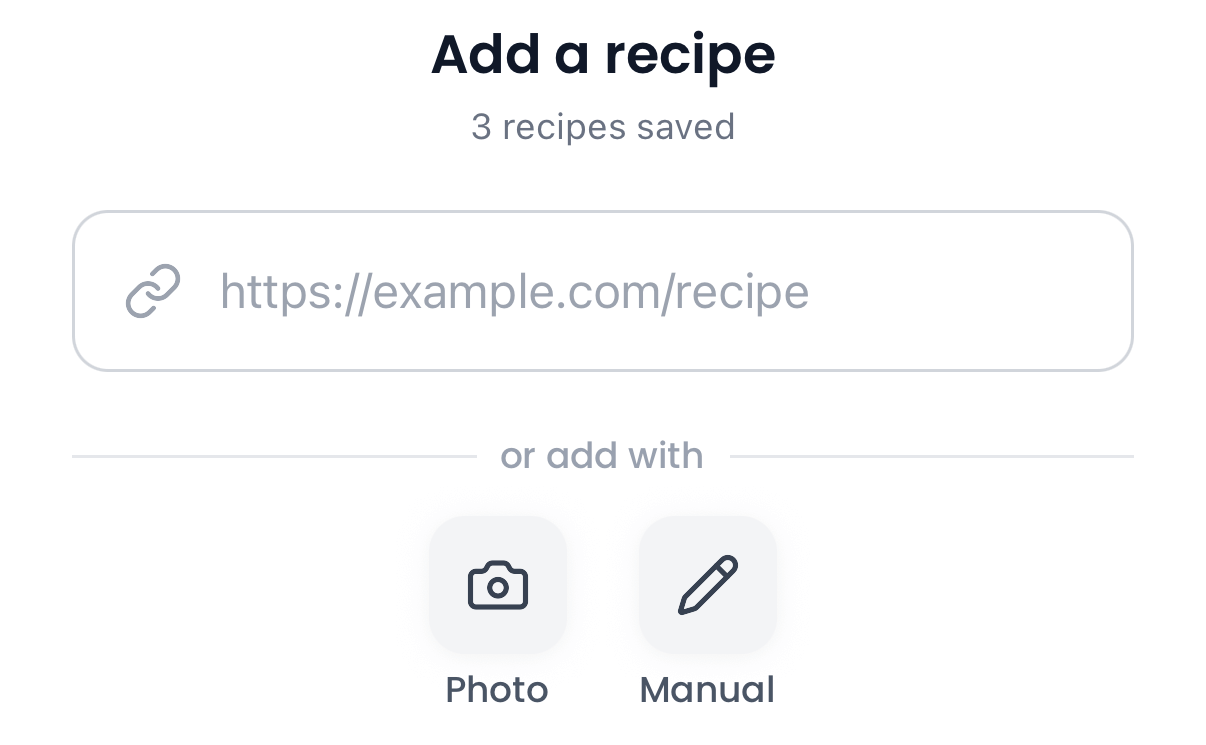
Tap Add, then Photo
Open Poach, tap the Add tab, and select Photo to start scanning.
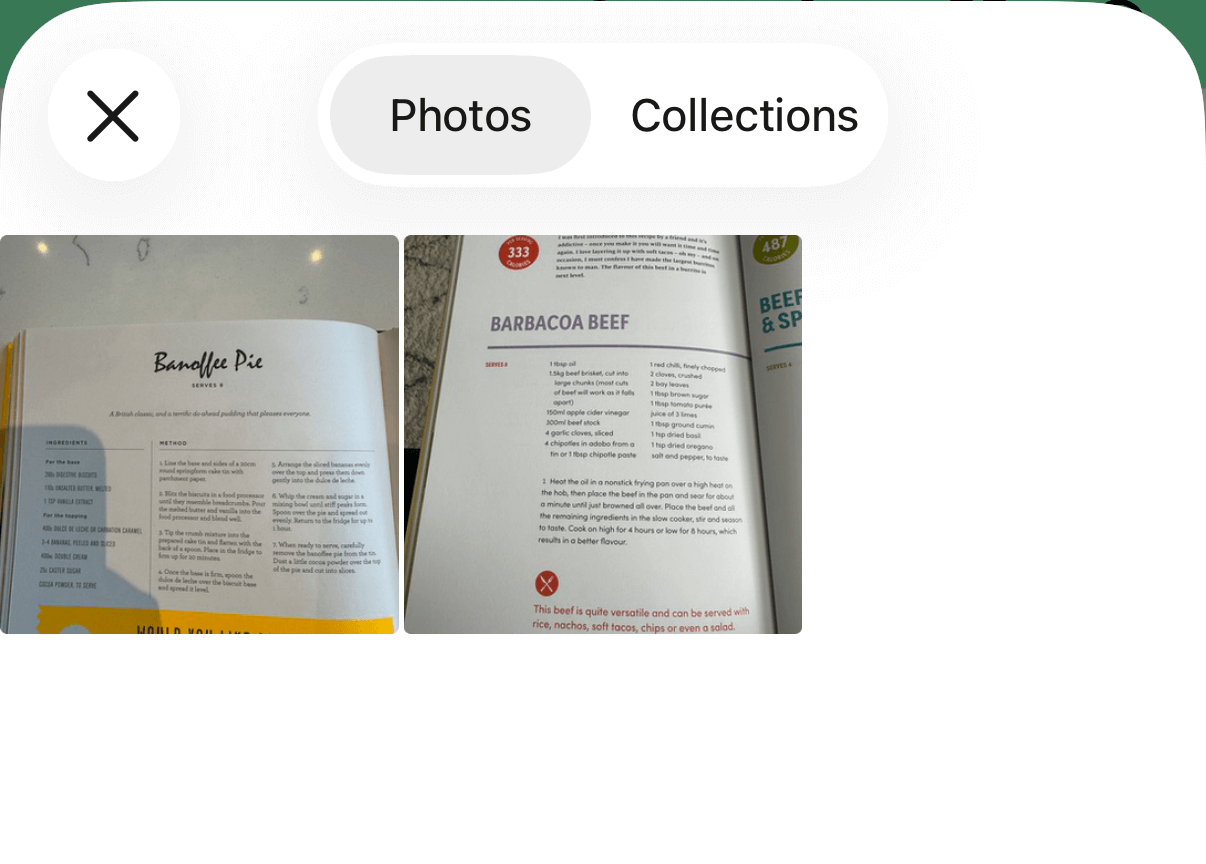
Select your photo
Pick a photo from your camera roll.
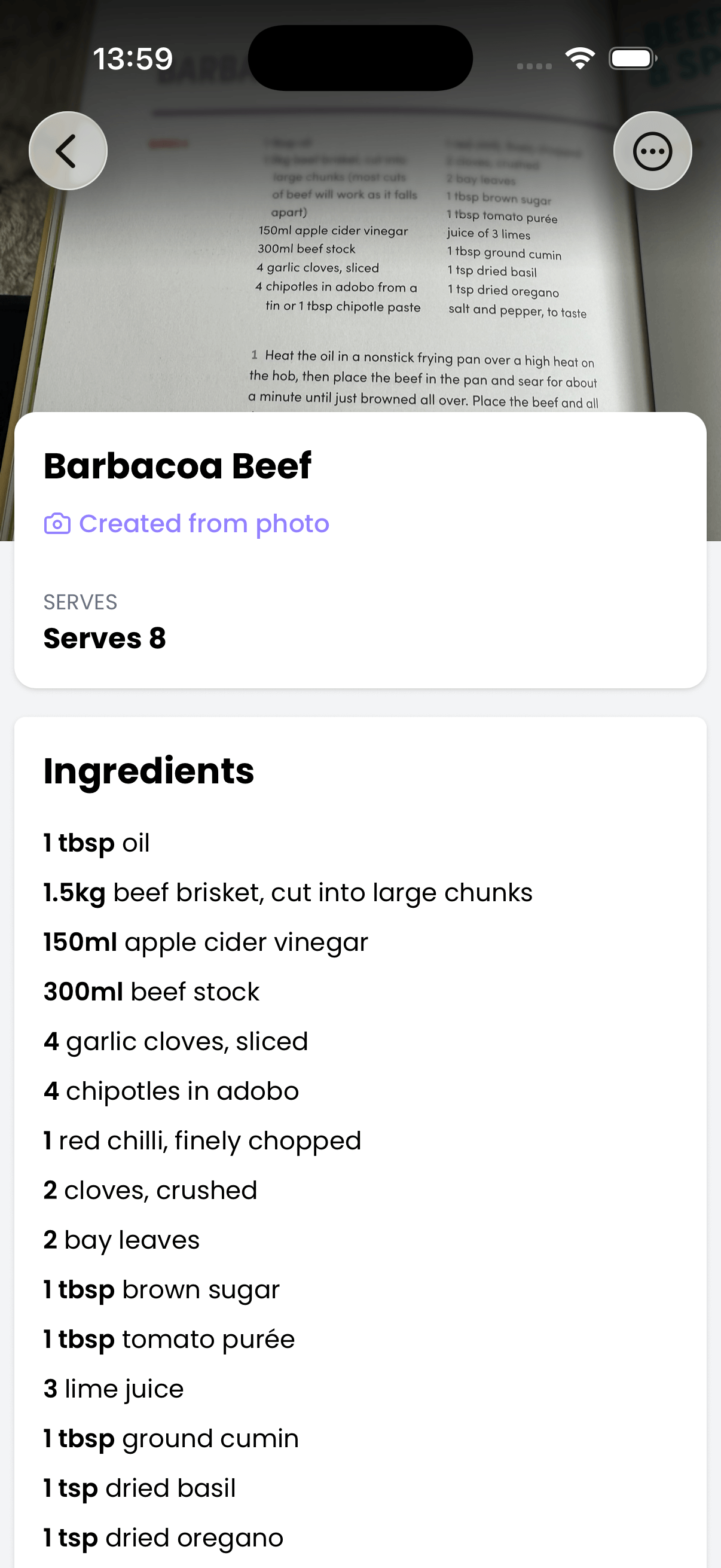
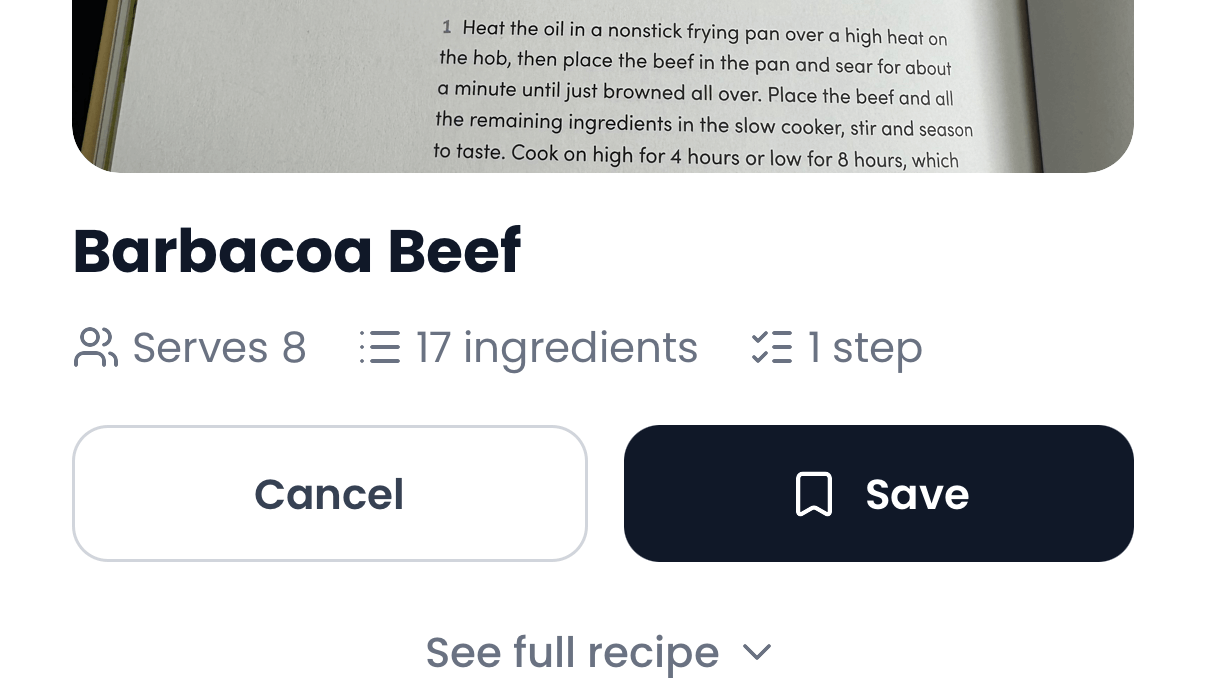
Recipe saved
AI extracts the recipe text and saves it to your cookbook. Searchable and available offline.
Works with any recipe format
Cookbooks, magazine clippings, handwritten recipe cards, printed recipes—if the recipe is on paper, Poach can scan it.
Just tap Add, select Photo, pick from your camera roll, and Poach does the rest.
Looking for recipe screenshots instead? Save from screenshots
Why Poach?
Save recipes in seconds. Find them when you're ready to cook.
Digitize any recipe
Cookbooks, magazine clippings, handwritten cards—just snap a photo and Poach extracts the recipe.
Preserve family recipes
Digitize grandma's handwritten recipes before they fade. Saved forever, searchable instantly.
Find it, cook it
Search your saved recipes by ingredient, dish, or cuisine. No more flipping through pages.
Questions?
How do I scan a recipe from a recipe book?
Open Poach, tap the Add tab, then select Photo and pick a photo from your camera roll. Poach extracts the recipe and saves it to your collection.
What kinds of recipe books does it work with?
Poach works with photos of recipe book pages, printed recipes, magazine clippings, handwritten recipe cards, and any other photo that contains recipe text.
Does it work with handwritten recipes?
Yes. Poach can read handwritten recipe cards and notes. For best results, make sure the handwriting is reasonably legible and the photo is well-lit.
Do I need to create an account?
No. You can start saving recipes immediately—no sign-up required. Your recipes are stored on your device.
What if the photo is blurry or hard to read?
Poach works best with clear, well-lit photos. If the text is hard to read, try taking a new photo with better lighting and holding your phone steady.
Does Poach work with other sources?
Yes. Poach saves recipes from TikTok, Instagram, websites, screenshots, and more.
Is Poach free?
Yes. Start free, upgrade when you need more.
Scan your first recipe
Download Poach and try it in seconds.


Free to download. No account needed.