Save ChatGPT Recipes to Your Personal Cookbook
Finding them when you need them is the hard part.
Poach saves them forever.
Available on iPhone & Android. No account required.
How to save a recipe from ChatGPT
A few taps. That's all it takes.
Creamy tomato orzo
Open the chat menu
Open the three-dot menu, tap Share, then copy the shared link.
Paste recipe link
Poach imports the recipe
Open Poach and paste
Open Poach and tap Paste. Poach reads the shared conversation and finds the recipe.
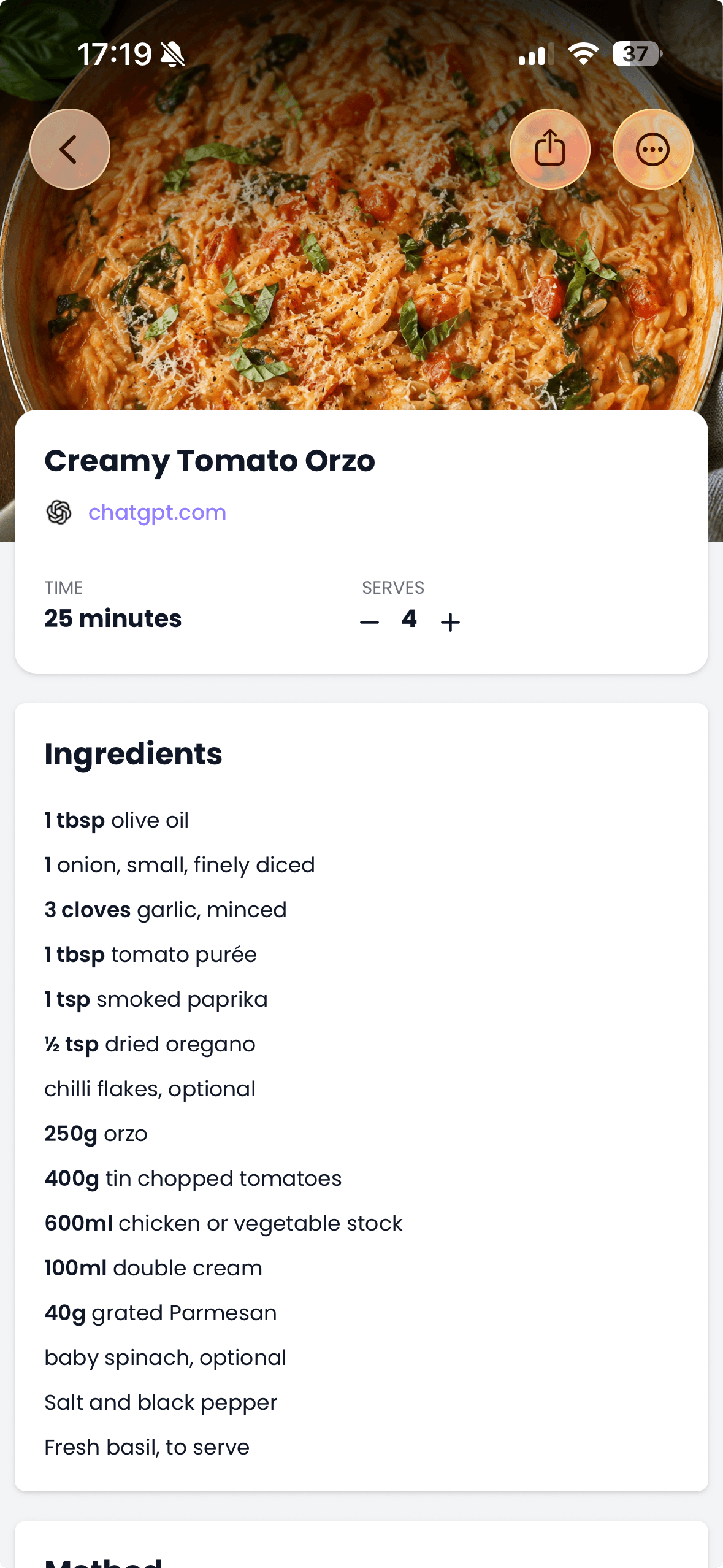
Cook anytime
The title, ingredients, and steps are saved as a clean recipe card you can find later.
Make your recipe easier to import
Once you're happy with the recipe, try this prompt before you share it:
Give me a final copy of this recipe with a clear title, servings, ingredients with quantities, and numbered instructions. Include only the recipe, with no extra commentary.
Keep the recipe, lose the chat
Turn a useful answer into a recipe you can actually find and cook from.
From chat to recipe card
Poach reads the shared conversation and pulls out the useful parts: the title, ingredients, and steps.
Keep it after the chat
Shared links can disappear. Your imported recipe stays beside everything else you cook.
Cook without the chat
Follow a clean recipe in Poach without reopening a conversation or scrolling through old messages.
Frequently asked questions
How do I save a recipe from ChatGPT?
Open the recipe conversation in ChatGPT, tap Share, create a shared link, and copy it. Open Poach and tap Paste to import the recipe.
What kind of ChatGPT link do I need?
Use a ChatGPT shared link, which starts with chatgpt.com/share/. A link copied from your browser address bar may not be accessible to Poach.
Does Poach import the whole conversation?
Poach reads the shared conversation and extracts the recipe into a clean card with a title, ingredients, and instructions.
Is a ChatGPT shared link private?
Anyone with the shared link can view the linked conversation. Do not include personal or sensitive information in a conversation you share.
Can I delete the shared link after saving the recipe?
Yes. Once Poach has imported the recipe, it is stored in your cookbook. You can then manage or delete the shared link in ChatGPT.
Can I use a screenshot instead?
Yes. Take a screenshot of the recipe, then use Poach's save from screenshots feature.
Does Poach generate recipes too?
Poach is built to save and organise recipes. Use ChatGPT to create or adapt the recipe, then use Poach to keep it ready for the kitchen.
Does Poach work with recipes from other places?
Yes. Poach saves recipes from websites, TikTok, Instagram, YouTube, recipe books, and screenshots.
Is Poach connected to ChatGPT?
No. Poach is an independent recipe-saving app and is not affiliated with or endorsed by OpenAI.
Is Poach free?
Yes. Start free, upgrade when you need more.

Save your first ChatGPT recipe
Download Poach and try it in seconds.


Free to download. No account needed.